Is it really free?
Yes. Every tool is included and there’s no Pro plan, trial or account. If it saves you time, you can buy me a coffee on Ko-fi.
Does Pixelkit collect my data?
No. It only runs on a tab when you open it there, and everything you save stays on your computer. There’s no server, analytics or tracking. Read the privacy policy.
Why does it sometimes ask to “Allow” access?
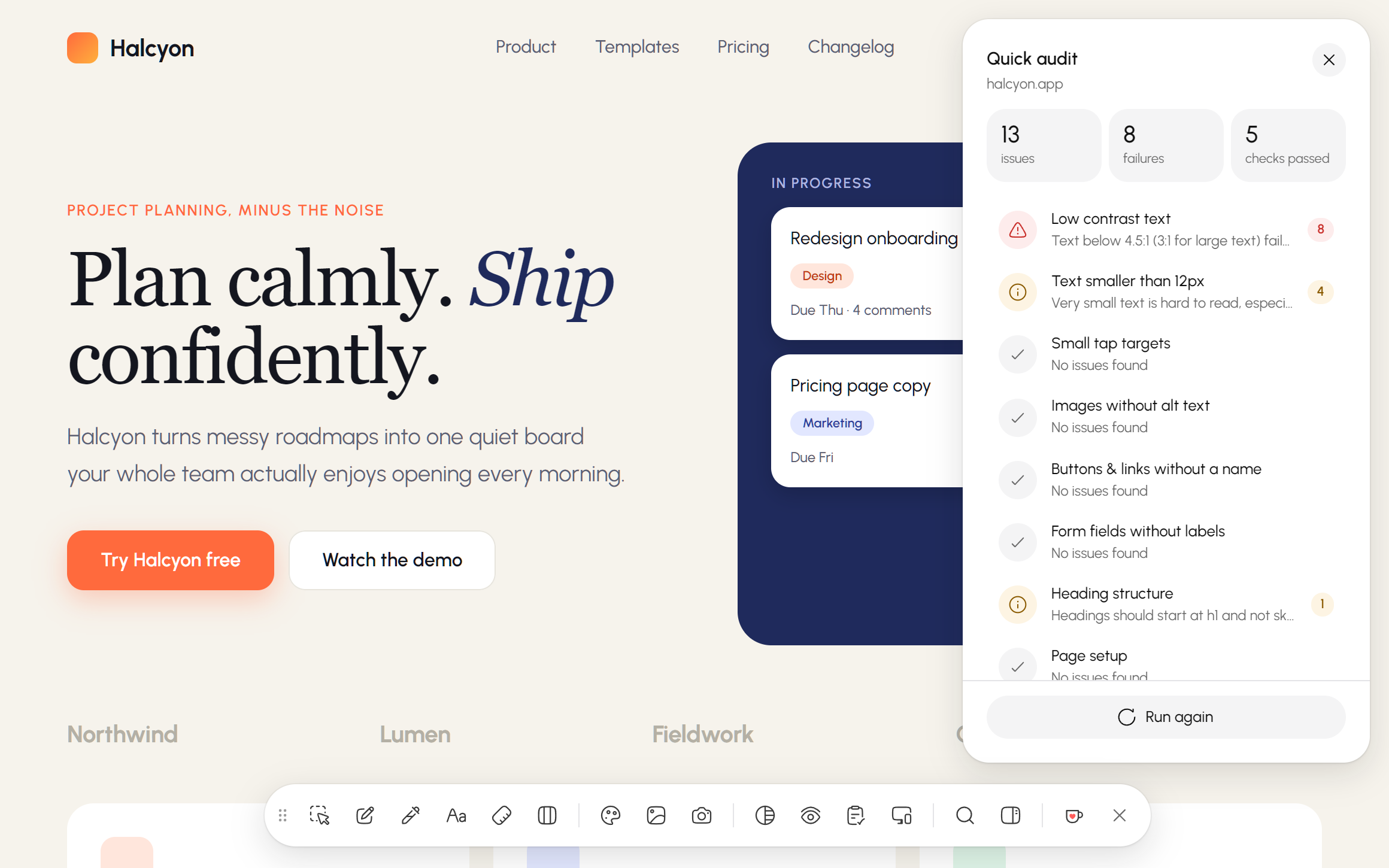
Pixelkit only works on the tab you open it on. Downloading all of a page’s assets, the responsive viewer and a few side panel buttons need to reach further, so they ask once. Say Not now and every other tool keeps working.
How do I open it?
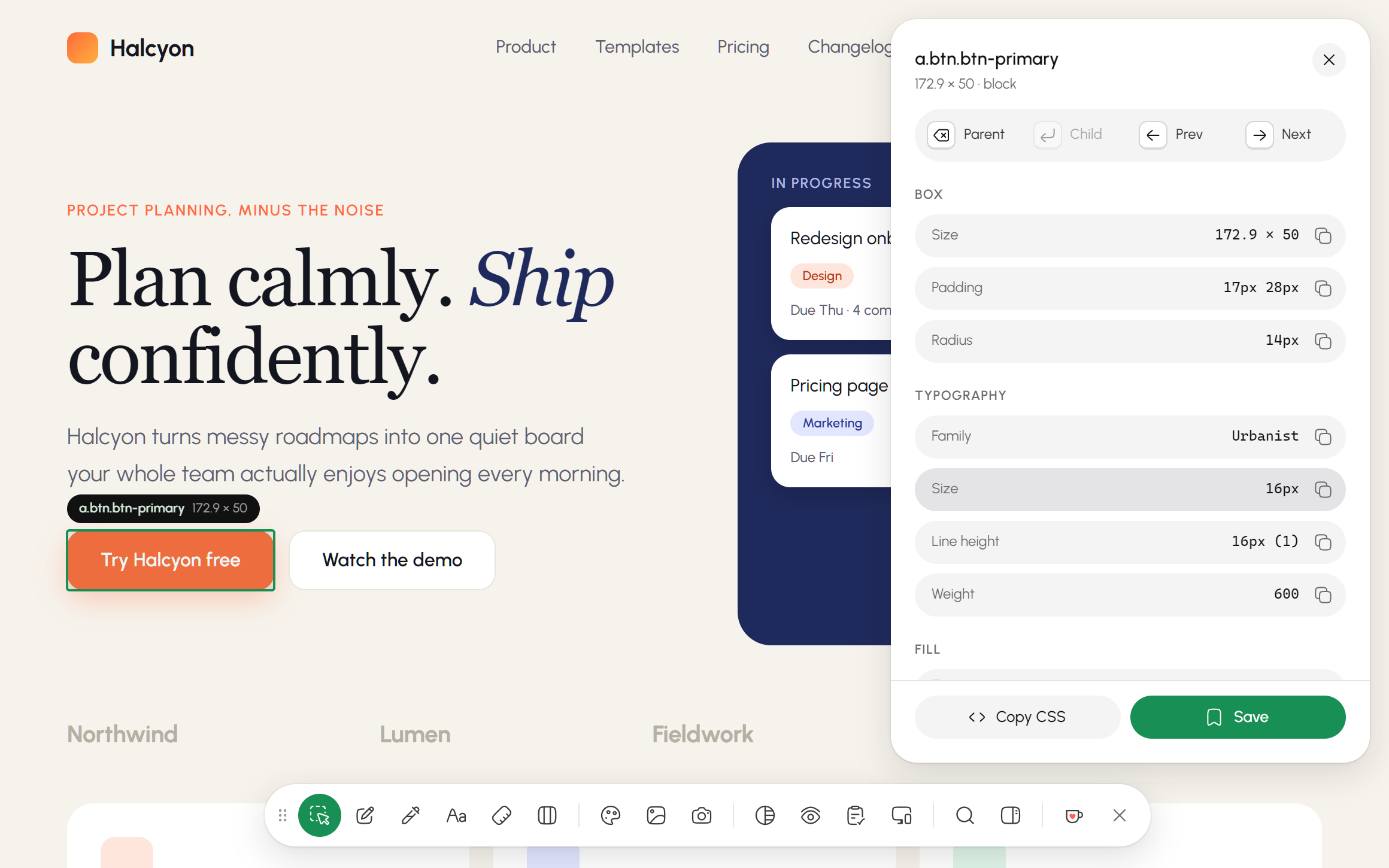
Click the Pixelkit icon in your toolbar or press Alt+Shift+D on any website. Each tool has its own key, and Esc closes it.
Which browsers does it work in?
Google Chrome 116 or newer. Chromium browsers that install from the Chrome Web Store, like Edge, Brave and Arc, should work too.
Does it work on every website?
On almost all of them. Chrome doesn’t let extensions run on its own pages, like chrome:// pages and the Chrome Web Store.
Can I export to Tailwind or Figma tokens?
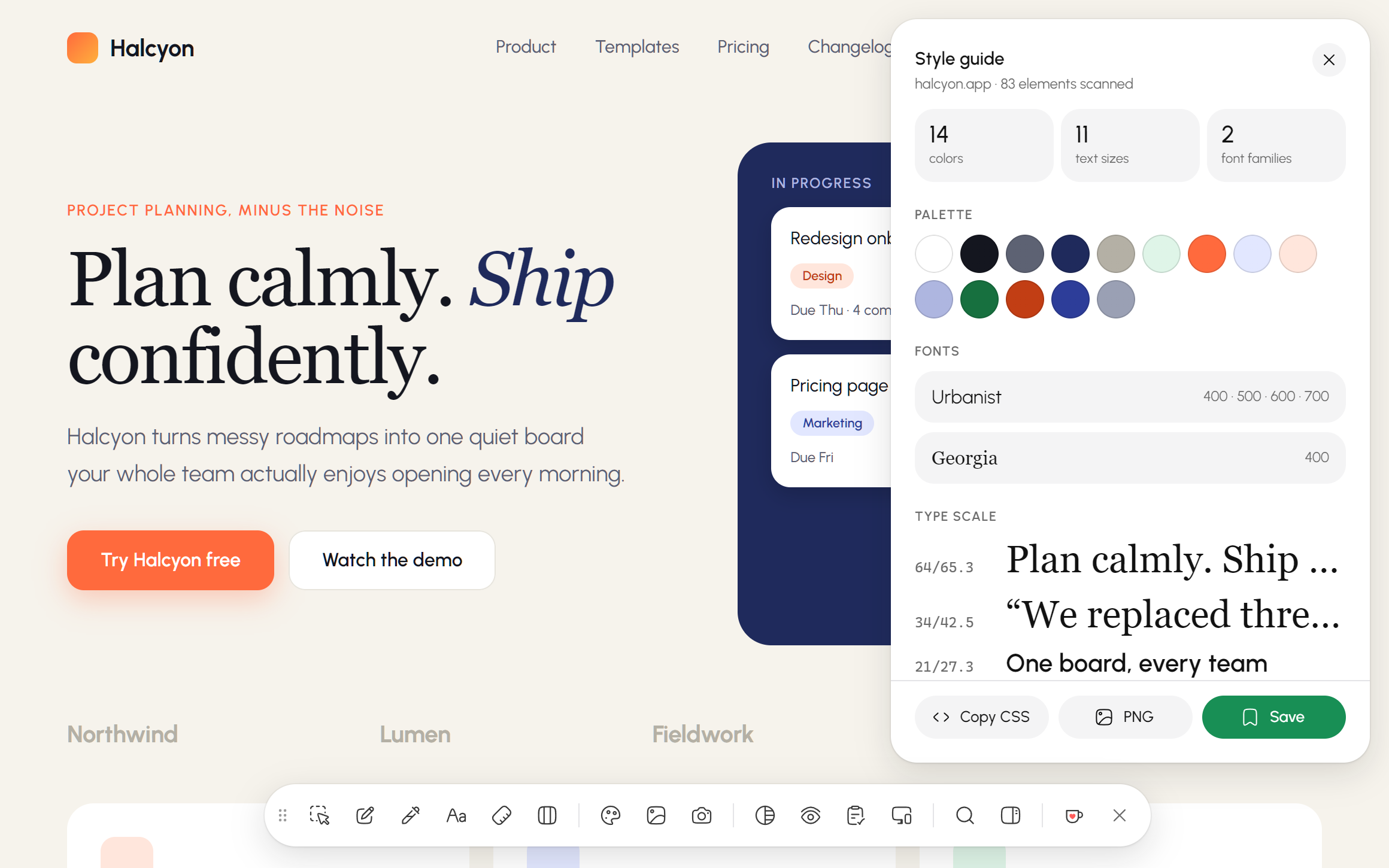
Style guides export as CSS variables, a Tailwind config or W3C design tokens (DTCG), which token plugins can import.